
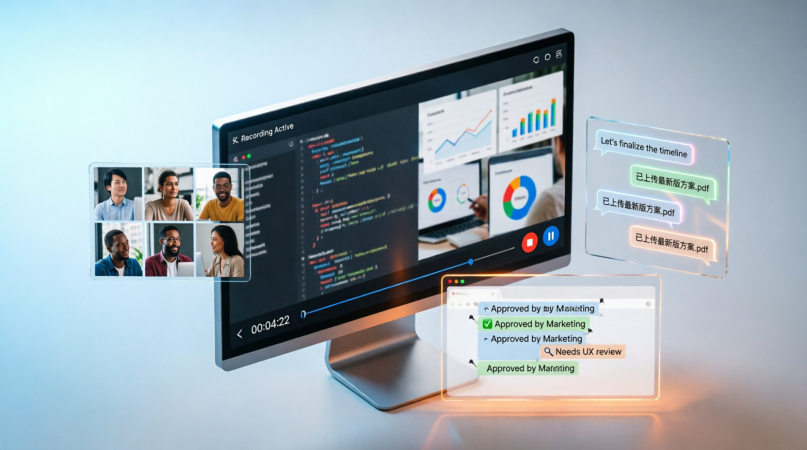
Effective communication is essential in today’s remote and hybrid work environment. Video meetings and instant messaging help keep teams connected, but they sometimes fall short for conveying complex information or capturing important conversations. iTop Screen Recorder offers a solution that simplifies collaboration and makes it easy to record screens, presentations, and meetings.
Share Ideas Through Visual Communication
Text descriptions of workflows or software issues can often lead to confusion. A recorded screen demonstration can clearly illustrate processes by capturing all actions in real-time.
With iTop Screen Recorder, team members can create visual instructions that help their coworkers understand tasks quickly. They can share a video showing the solution step by step, instead of scheduling another meeting.
Keep Meeting Records for Future Reference
Critical decisions are often made during online meetings. Without proper documentation, team members may forget important updates or essential information.
iTop Screen Recorder allows users to record virtual meetings so discussions, project plans, and action items are recorded. Those who couldn’t attend can watch the recordings later and stay updated without needing additional summaries.
Simplify Project Updates
Project managers need to explain progress, show completed features, or introduce new processes. These updates can take time, especially with varying team members.
Using iTop Screen Recorder, managers can create detailed project walkthroughs for employees to watch at their convenience. This flexible method keeps everyone on the same page and minimizes disruptions to daily work.
Make Onboarding More Efficient
Training new staff can be challenging, as they often need to hear the same procedures repeatedly. Recorded tutorials provide a consistent learning experience for all new hires.
iTop Screen Recorder can create onboarding videos that help introduce work systems, internal tools, and standard operating procedures. New employees can access these recordings at their own pace, speeding up their progress.
Demonstrate Solutions to Technical Problems
Technical support might involve explaining software issues or assisting with troubleshooting. While these solutions can be detailed in written messages, misunderstandings can still occur.
iTop Screen Recorder captures troubleshooting steps so the IT team can provide visual instructions. Staff can follow each step as shown, reducing errors and speeding up the resolution process.
Increase Productivity Across Teams
Not every discussion needs to happen face-to-face. With screen recordings, employees can share information in detail asynchronously, allowing them to watch at a time that works for them.
This method helps avoid unnecessary meetings, eliminates time zone issues, and supports effective collaboration between teams in different zones.
Create Professional Internal Documentation
Recorded videos are valuable resources once created. Tutorials, workflows, and project documentation can be organized in a library for employees to access as needed.
This growing knowledge base supports ongoing education and ensures consistency as teams expand.
Conclusion
In today’s digital world, where remote collaboration is becoming standard, iTop screen recorder is a useful tool for any workplace. The software enables easy recording of meetings, project updates, software demonstrations, and training materials, improving communication and saving time. With its user-friendly interface and reliable recording features, it’s an excellent choice for organizations looking to enhance teamwork and streamline knowledge sharing.
